 Tendrl
Entity API Keys
Each entity has one API key, issued automatically when the entity is created. The key authenticates the entity when it sends messages (HTTP or MQTT) and connects to Contact.
Viewing the key#
The Connection Instructions dialog opens once, immediately after you create the entity. It is the only place the secret is ever shown.
- Copy the API Key (the secret) from the dialog before dismissing it
- Copy the API Key ID too — the public identifier used as the MQTT username
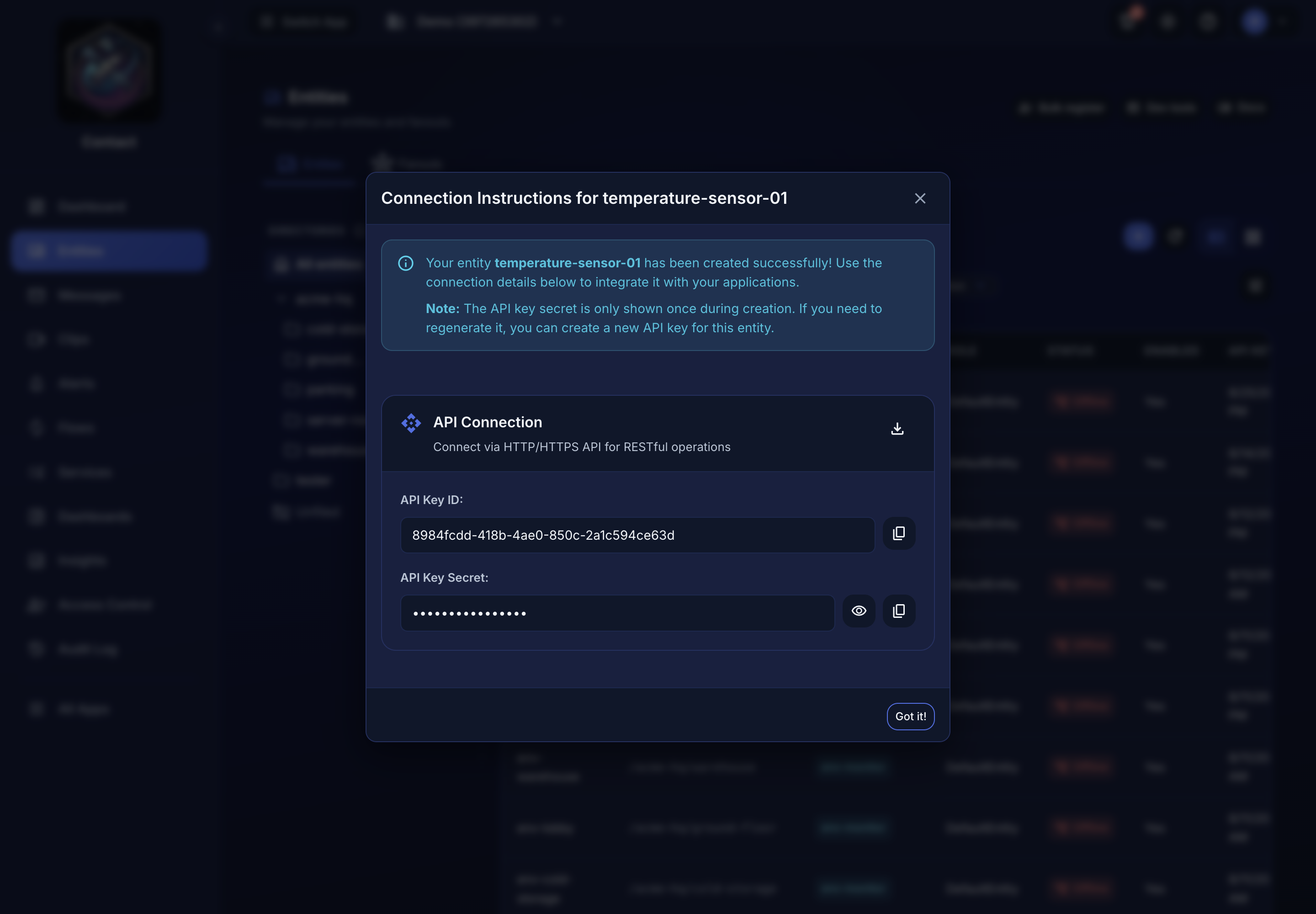 The secret is masked until you reveal it, and cannot be reopened later.
If the dialog is already gone, the secret is unrecoverable — rotate the key instead.
The secret is shown once at creation. If you lose it, rotate the key (below) and re-deploy the entity with the new secret.
Entity API keys expire two years after they are issued. Rotate before then, or the device stops authenticating.
Rotating#
Rotate an entity's key from that entity's Device tab, which reissues it in place. The Access Control → API Keys tab can disable or delete a key, but it cannot rotate one. For an entity with no Device tab, or to script it, call POST /api/api_keys/{id}/rotate.
- Open the entity and go to its Device tab
- Use the rotate action on the connection card
- Copy the new secret immediately
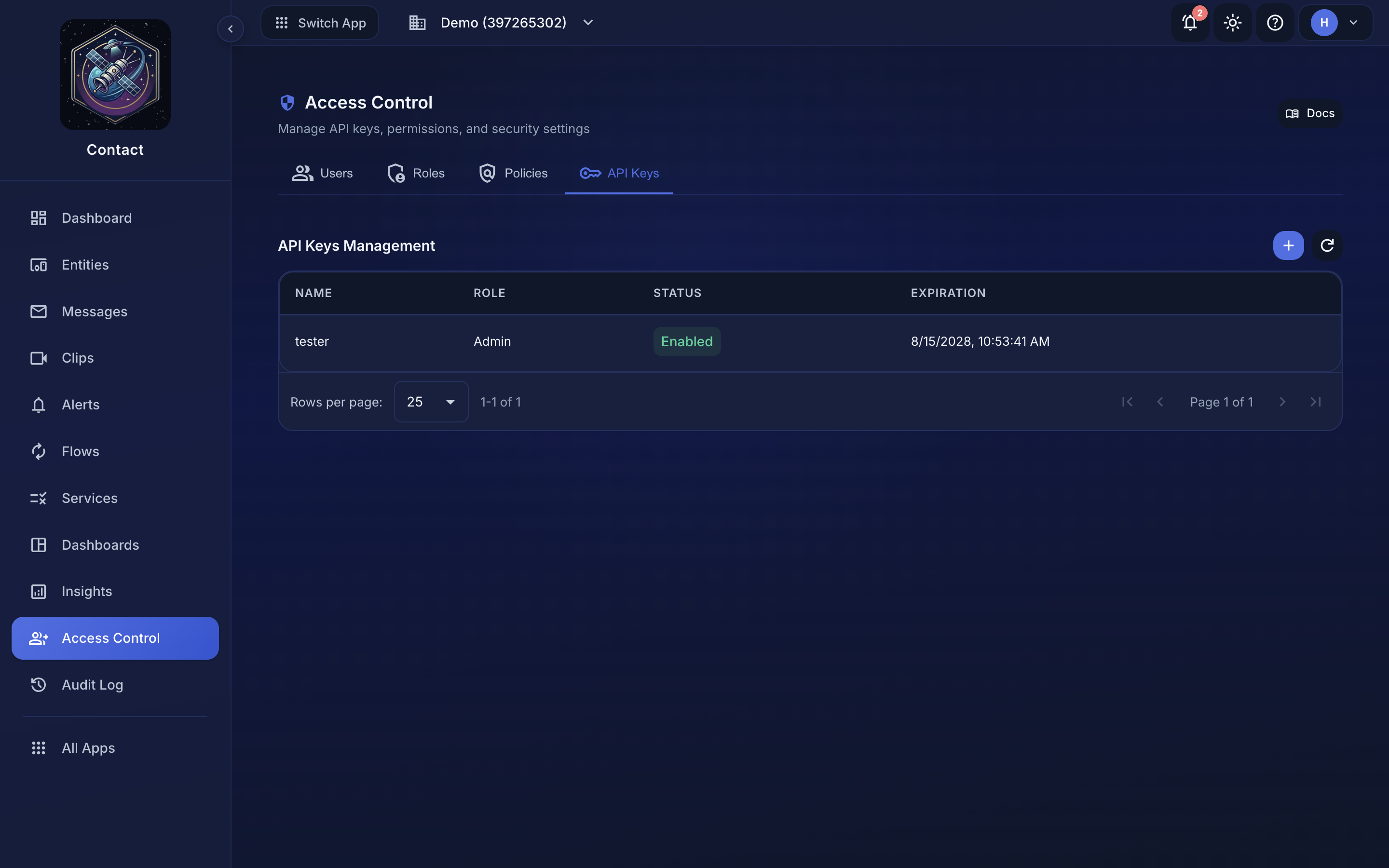 Access Control → API Keys, where keys are rotated, disabled, and revoked.
Rotation invalidates the old secret right away.
Revoking#
Deleting the entity revokes its API key. You can also disable a key from Access Control → API Keys without deleting the entity, or un-tick Enabled on the entity itself — both disable the same credential.
A disabled key is refused immediately for REST calls and for any new MQTT connection. A device that is already connected over MQTT is disconnected too: usually at once, and within 60 seconds at the outside if the disconnect has to wait for the broker's revocation sweep. It then retries on the SDK's auth-refused backoff and is turned away each time until you re-enable the key.
Account-level API keys#
If you want a key for your own automation or scripts (not bound to an entity), create one under Access Control → API Keys → Create API Key. Account keys carry an IAM role and can call any endpoint that role permits, but they cannot post entity messages; only entity-bound keys can do that.
