 Tendrl
Print Node
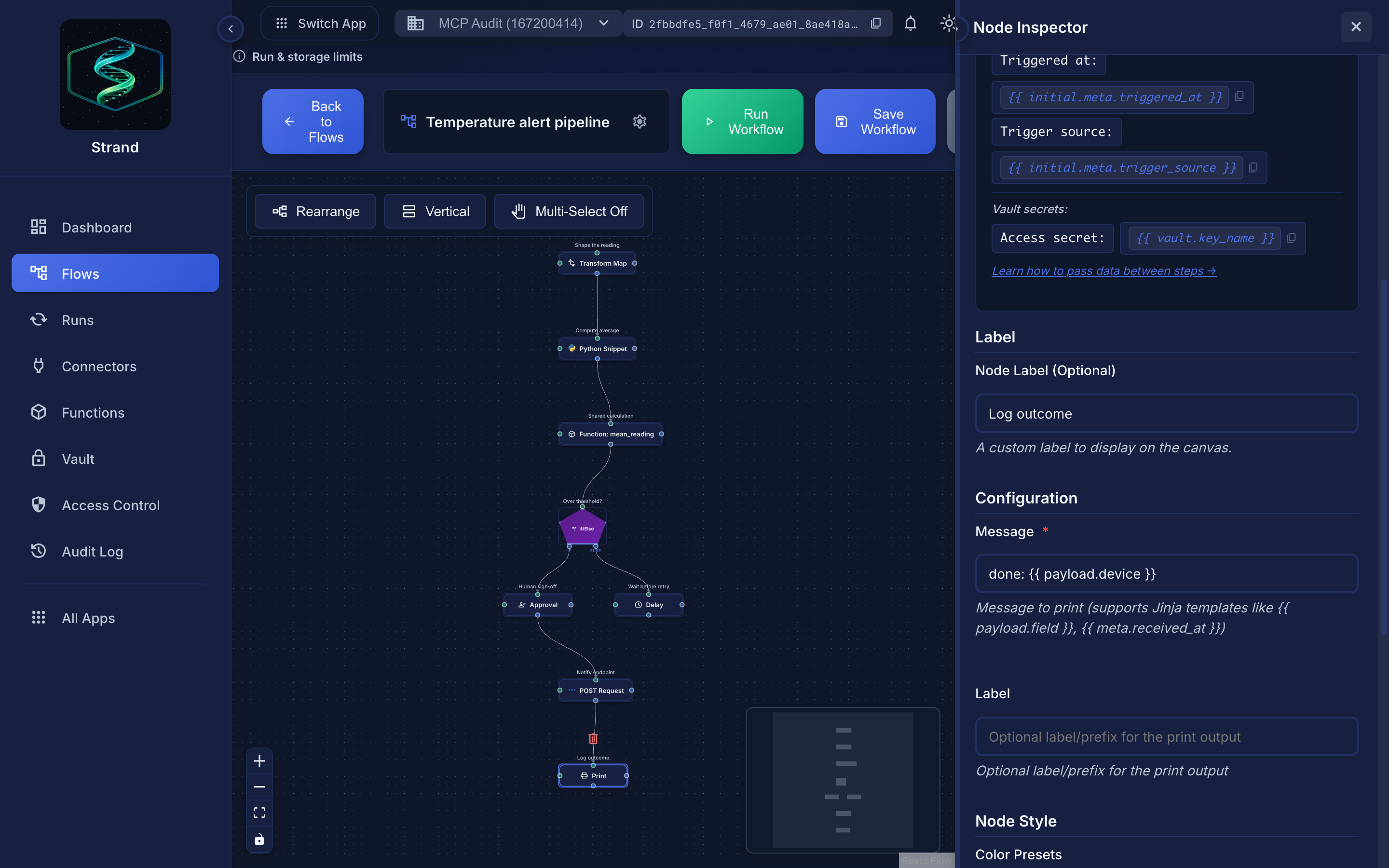
The Print node logs messages for debugging and monitoring.
 Vault values render as
 {{ vault.key }} placeholders in output, so they are safe to print.
Overview#
Print nodes output messages to the execution logs, useful for debugging and monitoring workflow execution.
Use Cases
- Debugging workflows
- Logging important values
- Monitoring execution flow
- Development and testing
Configuration#
| Field | Type | Required | Description |
|---|---|---|---|
message |
string | Yes | Message to print (supports templating) |
label |
string | No | Optional label for the print statement |
Vault Value Redaction#
Print nodes automatically replace any vault secret values in the output with their {{ vault.key_name }} placeholder. Vault secrets are never exposed in logs or stored output.
Examples#
Simple Message#
Configuration:
json
{
  "message": "Processing user request"
}
With Templating#
Configuration:
json
{
  "message": "Processing user: {{ payload.user_id }}"
}
Using Previous Steps#
Direct connection:
json
{
  "message": "User email: {{ payload.email }}"
}
Non-direct access:
json
{
  "message": "User email: {{ steps.user_lookup.output_payload.email }}"
}
Complex Logging#
Direct connection:
json
{
  "label": "Debug Info",
  "message": "User: {{ payload.user_id }}, Status: {{ payload.status }}, Timestamp: {{ meta.received_at }}"
}
Non-direct access:
json
{
  "label": "Debug Info",
  "message": "User: {{ payload.user_id }}, Status: {{ steps.check.output_payload.status }}, Timestamp: {{ meta.received_at }}"
}
Viewing Output#
Print output appears in:
- Execution logs - In the Runs page, on the run's step detail
- Step run details - When viewing a specific run
- Worker logs - In the worker console
Best Practices#
Tips
- Use descriptive messages
- Include relevant data in messages
- Use labels to categorize prints
- Remove debug prints before production
- Use for important checkpoints in workflows
Development Tool
Print nodes are primarily for development and debugging. For production logging, consider using HTTP requests to logging services.
