 Tendrl
Trigger a test run
A saved workflow does nothing until something triggers it. The quickest way to confirm it works is a manual run with sample data — no external system required.
Run it manually#
From the workflow editor, click Run and supply a sample payload in the Run Flow with Test Data dialog. The payload is the event your workflow would normally receive, so shape it like the real thing: the templating in your nodes reads from it, and a mismatched shape is the most common reason a first run fails.
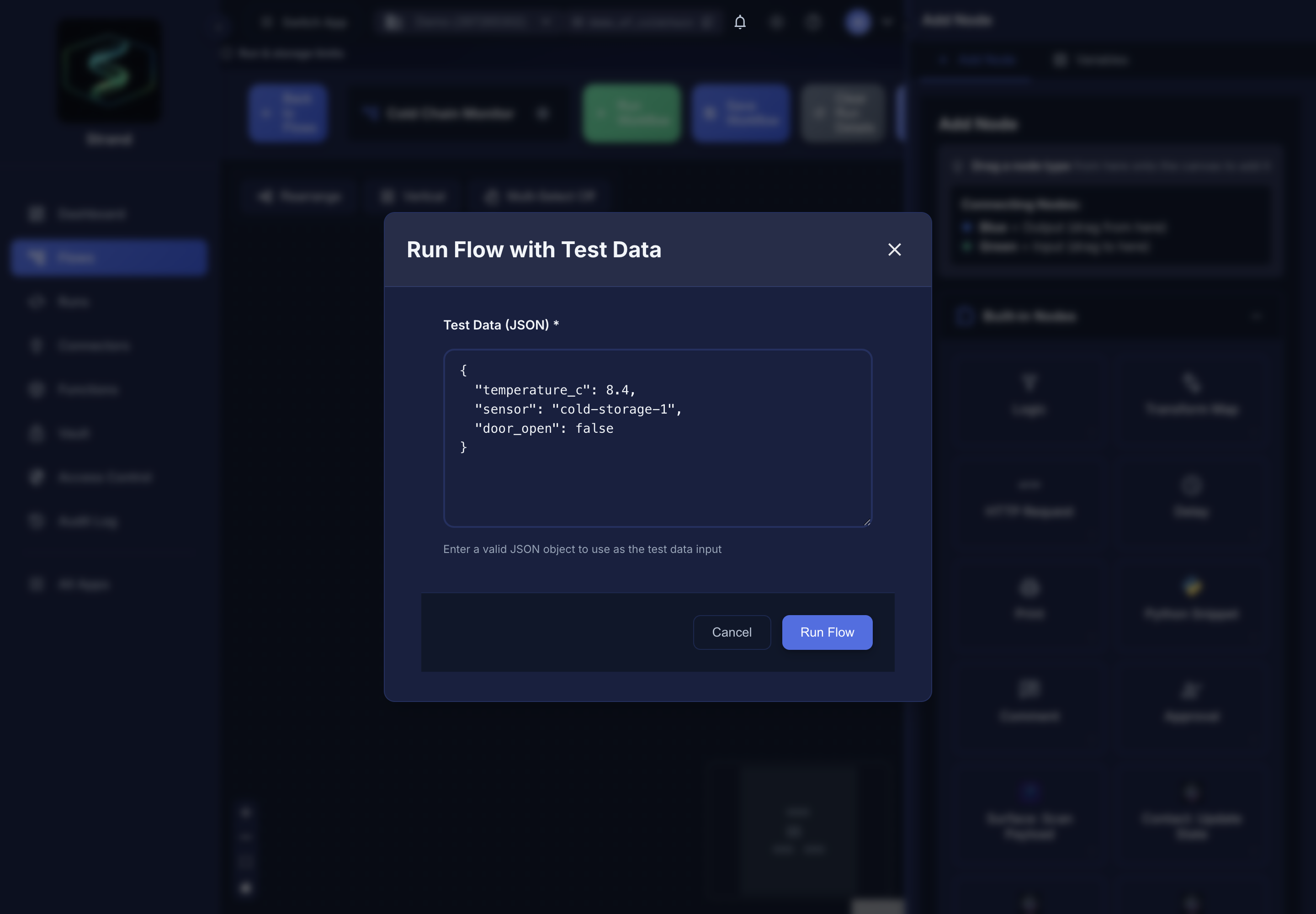 Replace the placeholder with a payload shaped like the event the workflow really receives.
Each run produces a record you can inspect step by step — see Runs.
Trigger it for real#
Once a manual run passes, wire up a real trigger:
- Over HTTP — start a workflow from your own code with a single authenticated
POST. This is how most external systems trigger a workflow; no SDK required. See Trigger a workflow over HTTP. - Schedule — run on a cron schedule, using a preset or a custom expression.
- From Contact — route device and entity messages into Strand automatically. See Contact integration.
- From another workflow — call this workflow as a step inside a larger one. See Nested workflows.
When a run fails#
Failures are normal early on, and the run record tells you which step broke and what it received. Start with the four that account for most first runs:
| Symptom | Usual cause |
|---|---|
| A node reads an empty or missing value | The sample payload's shape doesn't match what your templating expects. Compare the run's step input against the template. |
| The workflow stops at a connector node, and you have a "Connector … auto-disabled" notification | Its circuit breaker tripped after consecutive failures. Fix the underlying cause, then reset the circuit breaker on the connector to re-enable it. |
The step returned 200 but nothing happened downstream |
Some services answer failures with 200 and an error in the body — Slack replies {"ok": false}. Read the step's response body, not just its status. |
| The run stops partway with no error | A timeout or payload ceiling. See Limits. |
The mechanics are covered in two pages:
- Error handling — retries, fallbacks, and error branches
- Limits — timeouts, payload sizes, and concurrency ceilings
If a workflow triggers itself directly or indirectly, read Infinite loops before enabling it.
Next#
Review your run results to inspect logs, outputs, and per-step execution.
