 Tendrl
Access Control
Access Control is where you manage who and what can reach Surface. It has three tabs: Roles, Users, and API Keys.
Roles#
A role is a permission set. Every user and every API key carries one, and it decides what they are allowed to do.
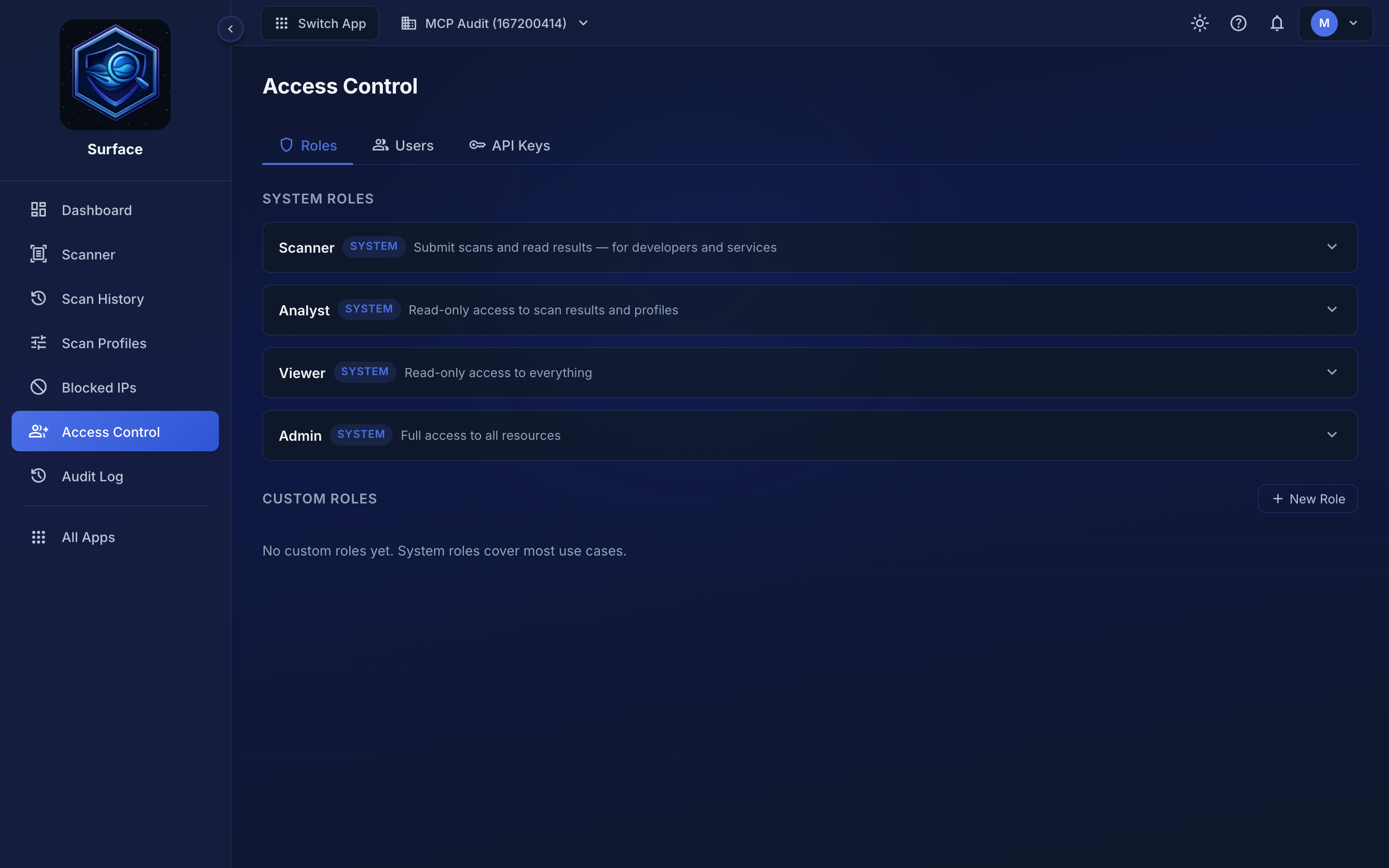 The four built-in roles. + New Role defines a custom one with its own permission grid.
| Role | Best for | Permissions |
|---|---|---|
| Scanner | API keys that submit scans | Read/write scans, read profiles |
| Analyst | Dashboards and reporting | Read-only scans, profiles, account and billing; no users, roles or scanner updates |
| Viewer | Audit and observers | Read-only across all resources |
| Admin | Full account access | Manage everything including keys, profiles, and users |
The built-in roles cover most cases. Define a custom role when you need a narrower grant than Analyst or a broader one that stops short of Admin.
Users#
The Users tab lists the people on the account and the role each one holds, and is where you assign a role to a teammate with Assign Role. Accounts are shared across Tendrl — the same sign-in reaches Contact and Strand — but the role held in Surface is separate from the roles held in the other apps.
API Keys#
The API Keys tab is where keys are created, linked to a scan profile, and revoked. A key's role decides what it can do, and its linked profile decides which file types and limits apply to its scans. Keys that aren't explicitly linked fall back to the Default profile.
The token is shown once, when the key is created. If it is lost, revoke the key and issue a new one — see Getting Started for the walkthrough.
Related#
- Getting Started — creating your first API key
- Scan Profiles — what a key's linked profile controls
