 Tendrl
Docs / Surface / embed-widget
Embed Widget
The Surface embed widget drops a complete scanning UI into any webpage (file picker, upload progress, result display, and dark mode support) with just two lines of code. No React, no component library, no UI work required.
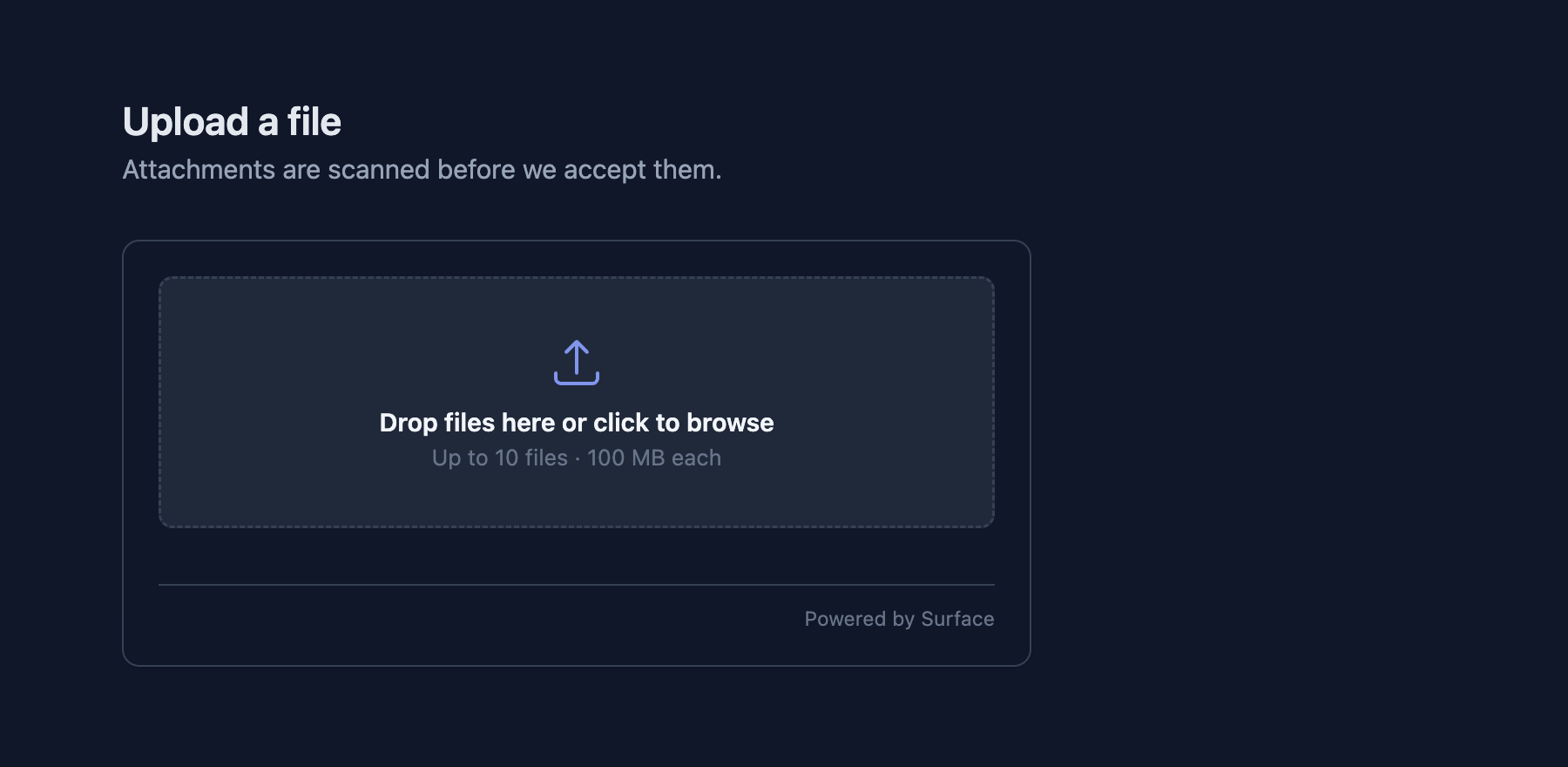 The widget, rendered from the two lines below.
Quick start
Add the script tag and initialize the widget with a target container:
<script src="https://your-domain.com/static/embed_scanner.js"></script>
<script>
  initSurfaceScanner({
    container:    'scanner',
    scanEndpoint: '/api/scan',
    theme:        'auto'
  });
</script>
That is it. The widget renders a drag-and-drop file picker, handles the upload, shows a progress indicator, and displays the scan result with the safety score and threat details.
Options
| Option | Default | Description |
|---|---|---|
container |
required | Element ID or CSS selector where the widget mounts |
scanEndpoint |
/api/scan |
URL the widget sends file uploads to |
theme |
auto |
Color theme: 'light', 'dark', or 'auto' (follows system preference) |
onScanComplete |
— | Callback function (result, file) => {} called when a scan finishes |
The onScanComplete callback receives the full scan result object and the original File object, so you can display custom UI or trigger downstream logic based on the verdict.
The widget also accepts apiKey, webhookUrl, and webhookApiKey options for prototyping against Surface directly, but do not use these in production; see the security note below.
Widget security
Never put your API key in client-side code. Anyone who views your page source can copy and use it. The embed widget should never call the Surface API directly from the browser with your key.
Instead, use a backend proxy: your server holds the API key and forwards scan requests to Surface. The widget points at your proxy endpoint, and the API key stays server-side.
Backend proxy example (Express.js)
const express = require('express');
const app = express();

app.post('/proxy/scan', async (req, res) => {
  const resp = await fetch('https://surface.yourdomain.com/api/scan', {
    method: 'POST',
    body: req,
    headers: { 'Authorization': 'Bearer ' + process.env.SURFACE_KEY }
  });
  res.send(await resp.arrayBuffer());
});

app.listen(3000);
Then point the widget at your proxy:
<script>
  initSurfaceScanner({
    container:    'scanner',
    scanEndpoint: '/proxy/scan'   // your proxy, not Surface directly
  });
</script>
This way the API key never reaches the browser. You can also add rate limiting, authentication checks, or file type validation in your proxy before forwarding to Surface.
Scan and save in one request
A common pattern is to scan a file, wait for the result, and save it to disk only if it is clean, all in a single request from the widget. Your proxy endpoint buffers the upload, calls Surface synchronously, and conditionally writes the file:
- Widget uploads the file to your proxy endpoint
- Your proxy forwards it to Surface and waits for the scan result
- If clean, your proxy saves the file to storage and returns success
- If malicious or suspicious, your proxy rejects the upload and returns an error
This avoids a second API call or webhook round-trip. The widget makes one request and gets back a final status.
The embed widget is the fastest way to add a user-facing scanning experience to your application. For programmatic integrations without a UI, use the REST API directly.